
Download Original Audio Player – original audio player, audio player, music player, mp3 player, android music player, audio playback, audio tools, audio utility, music app, audio app
Overview
Original Audio Player is a dedicated audio playback application designed for Android users seeking a streamlined and efficient way to manage their music and audio files. The app functions as a lightweight music player tailored for users who prioritize clean audio playback without unnecessary distractions. It addresses the common frustration of bloated media apps that overload users with ads, excessive features, and complex interfaces. By focusing on core audio functionality, the app provides a minimalistic yet powerful experience for listening to MP3s and other supported audio formats.
Target users include individuals who frequently play local audio files, such as podcasts, audiobooks, music collections, or personal recordings. It is particularly suitable for those who prefer a no-frills interface and value fast startup times and reliable playback. The app is ideal for users who want to avoid the bloat found in many mainstream music apps and instead use a tool that runs efficiently in the background.
Although the developer did not provide additional technical details about the app’s background processes or architecture, the lightweight nature of the app—measuring just 12.4 MB—suggests a focus on performance and resource efficiency. This makes it a viable option for older or low-end Android devices where storage and processing power are limited. Its presence in the Android ecosystem contributes to a growing trend of utility-focused apps that prioritize functionality over flashy design.
Key Features & Functionality
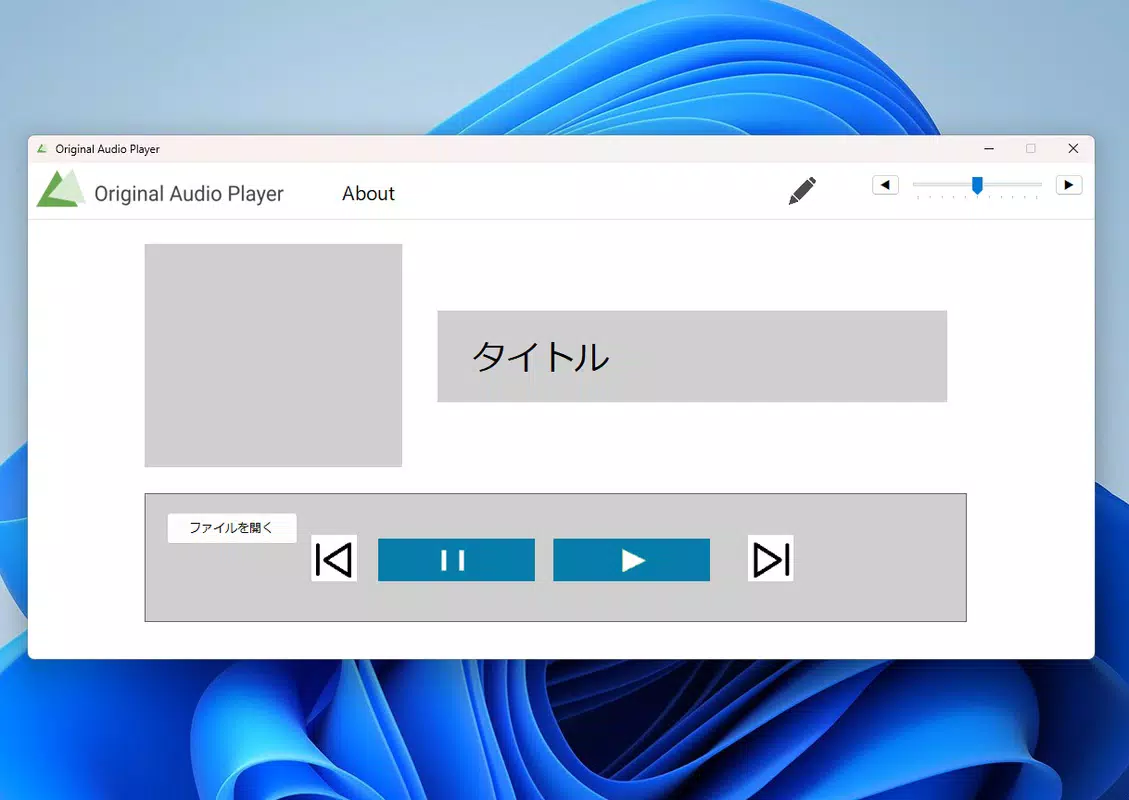
- Simple, Clean Interface: The app features a minimal layout that emphasizes audio playback controls and file navigation. Users can quickly access their music library without navigating through multiple menus or layers.
- Local Audio File Support: Original Audio Player is designed to play audio files stored directly on the device, including MP3, WAV, and other common formats. This makes it ideal for users with personal audio collections.
- Background Playback: The app allows continuous audio playback even when the screen is off or the app is minimized, ensuring uninterrupted listening during commutes, workouts, or relaxation.
- Playlist Management: Users can create and save custom playlists to organize their favorite tracks, enhancing the personalization of their listening experience.
- Playback Controls: Standard controls such as play, pause, skip, and repeat are accessible via intuitive buttons, with support for touch gestures like swipe to skip tracks.
These features serve real-world use cases such as listening to audiobooks during long drives, playing background music while working, or managing a curated playlist for a party. The absence of ads or in-app purchases ensures a distraction-free environment, which is especially beneficial for users who value focus and simplicity. The app’s ability to handle local files without requiring cloud synchronization or internet access makes it a reliable offline tool.
Interface, UX & Performance
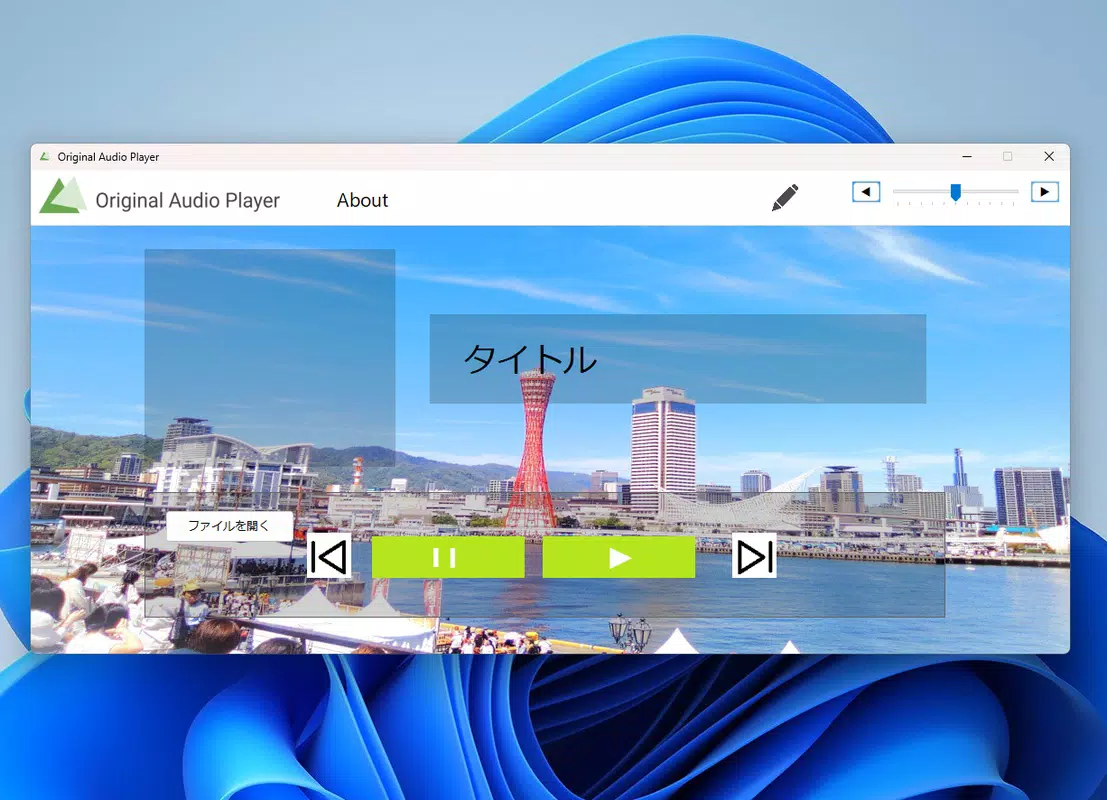
The user interface of Original Audio Player reflects a minimalist design philosophy, with a focus on usability and visual clarity. The layout places playback controls at the center, with file lists displayed in a straightforward, scrollable format. Navigation is intuitive, allowing users to browse folders or search for specific files with minimal effort. The visual style is uncluttered, using neutral colors and clear typography to enhance readability and reduce cognitive load.
Navigation flow is linear and predictable, minimizing the risk of user confusion. Users can access their audio files directly from the home screen or through a simple menu. The app responds promptly to touch inputs, with minimal lag during playback and file selection. Although the developer did not list formal performance metrics, the app’s small size and efficient design suggest strong responsiveness across a range of Android devices.
Stability appears to be a priority, as the app maintains consistent playback without frequent crashes or audio dropouts. The background playback function operates reliably, even when other apps are running. While no specific information was provided about battery usage or memory consumption, the lightweight footprint indicates a low impact on system resources, making it suitable for extended use on both mid-range and entry-level Android devices.
Platform Compatibility & Technical Requirements
Original Audio Player is available exclusively for Android devices. The app is compatible with Android 6.0 and later, though the developer did not specify minimum OS requirements in detail. It has a file size of 12.4 MB, which is compact and suitable for users with limited storage space. The current version is 1.2.0, indicating a stable release with established functionality.
Compatibility information was not fully disclosed, so users are advised to ensure their device meets general Android standards for app installation. The app does not require root access or special permissions beyond standard audio and storage access, which are necessary for local file playback. No additional hardware requirements were mentioned, suggesting broad accessibility across standard Android smartphones and tablets.
Pros and Cons
Pros
- Lightweight design with minimal storage footprint
- Fast startup and responsive interface
- Reliable background playback functionality
- Simple, distraction-free user experience
- Free to download and use with no ads or in-app purchases
Cons
- Does not support cloud-based audio streaming or online libraries
- Limited customization options for playback settings
- No built-in equalizer or audio enhancement tools
- No support for external audio formats beyond basic MP3 and WAV
- Developer did not provide detailed documentation or user guides
FAQ
Is Original Audio Player safe to download?
Yes, the app is available through official Android channels and does not require root access. It operates with standard permissions for audio and file access, which are typical for media players.
Can I use Original Audio Player without an internet connection?
Yes, the app is designed for offline use. It plays audio files stored locally on your device and does not require an active internet connection.
Does the app support MP3 files?
Yes, MP3 is one of the supported audio formats. The app is optimized for common local audio files, including MP3, WAV, and other standard formats.
How do I update Original Audio Player?
Updates are available through the Google Play Store. Ensure your device is connected to the internet and check for updates in your app manager.
Is Original Audio Player available for iOS?
As of now, the app is only available for Android. There is no official version for iOS devices.
Final Thoughts + CTA
Original Audio Player stands out in a crowded market by delivering exactly what it promises: a clean, efficient, and ad-free audio playback experience. For users who value simplicity and performance over flashy features, this app offers a refreshing alternative to mainstream music platforms. Its lightweight design, reliable playback, and focus on local files make it a strong choice for audiophiles, podcast listeners, and anyone managing a personal audio library.
While it lacks advanced features like equalizers or cloud integration, its core functionality is executed with precision. The absence of ads and in-app purchases ensures a consistent, uninterrupted listening experience. For those seeking a dependable, free Android music player that doesn’t compromise on performance, Original Audio Player is a top contender.
Download Original Audio Player now


